- No AI website builder matches a custom-coded site for schema control, but each has a distinct SEO ceiling that matters for AI search visibility.
- Webflow leads among visual builders for clean HTML output, Cloudflare-backed speed, and custom schema support.
- WordPress with Rank Math offers the highest schema depth of any non-custom option and remains the right call for content-heavy sites.
- Astro on Cloudflare Pages is the technical benchmark for AI SEO: full schema control, optimal Core Web Vitals, zero builder overhead.
The question of which ai website builder is best for seo comes up on almost every project brief I review. Two stories that explain why the builder choice matters more than most people think.
The first: a client came to me with a Squarespace site that was loading in under two seconds, looked clean on mobile, and had decent copy. Not a single post appeared in Google AI Overviews for its core topic. We audited the schema layer and found nothing. No FAQPage, no Article markup, no structured data of any kind. Squarespace had applied its own minimal schema to the page type, and there was no way to override it without a JavaScript injection hack. The builder had been the ceiling the whole time.
The second: a site I was auditing had beautiful design, a strong content strategy, and had been publishing weekly for eight months. Not a single post appeared in Google AI Overviews. The culprit: the builder had no schema injection capability and was rendering heading tags inconsistently because the designer had used styled divs instead of H2s. Every section that should have been a parseable answer unit was invisible to AI retrievers.
Which ai website builder is best for seo depends on how you answer four specific technical questions. This post walks through each one, then covers the five main options with honest verdicts by use case.
The Four AI SEO Criteria That Actually Matter
Most builder comparison posts rank by ease of use or design quality. For SEO purposes, and specifically for which website builder is best for ai seo, the criteria are different. These are the four that determine how well a site will perform on citation-based surfaces like Google AI Overviews.
Schema control. Can you inject FAQPage, Article, HowTo, and Product schema as clean JSON-LD on a per-page basis? This is the single biggest differentiator between builders for AI SEO. Builders that either block custom schema or only apply their own preset schema remove the structured data layer that AI surfaces read. Schema markup communicates content structure to Google and AI search engines in a machine-readable format. FAQPage schema increases the chance of rich result appearances. Article and HowTo schema support AI Overview citation.
Google-Extended crawlability. Google-Extended is the crawler that feeds Google AI Overviews. It respects robots.txt for AI crawlers. Builders that inject heavy JavaScript before rendering content, or that produce fragmented HTML, can slow or degrade what Google-Extended captures. According to Google’s Search Central documentation, crawlable, clean HTML is the baseline requirement for any site that wants to appear in Google’s results. AI surfaces add additional signal requirements on top of that baseline.
Core Web Vitals. LCP (Largest Contentful Paint), CLS (Cumulative Layout Shift), and INP (Interaction to Next Paint) affect crawl frequency. Pages with poor Core Web Vitals are crawled less aggressively, which slows the indexation of new content and reduces the freshness signals that AI surfaces use when selecting citation sources.
Heading hierarchy. An H1, H2, H3 structure where each heading is a semantic HTML tag (not a styled div) makes each section machine-readable as a distinct passage. AI retrieval models operate at the passage level. Builders that let designers apply heading styles to non-heading elements break the structure that passage retrieval depends on.
Webflow: The Strongest Visual Builder for AI SEO
Webflow scores well on all four criteria, with one caveat on schema.
HTML output is clean and semantic. Webflow’s CMS renders content with proper heading tags when configured correctly. Designers can break this by using custom elements for visual styling, but the default output is structurally sound. Hosting is handled through Fastly and Cloudflare, which means fast global delivery and strong Core Web Vitals out of the box. Sites with well-optimised images and minimal third-party scripts routinely score above 90 on PageSpeed Insights.
Google-Extended crawlability is strong. Webflow pages are server-side rendered by default, which means content is in the HTML before JavaScript runs. There is no client-side rendering delay for Google-Extended to work around.
Schema is where Webflow requires extra work. There is no native FAQPage or HowTo schema builder. You inject schema using Webflow’s embed component to paste custom JSON-LD, or use a third-party integration. This works cleanly and produces valid schema, but it is not automated. For large content operations with many content types, this creates a schema maintenance overhead that WordPress handles more elegantly. For teams comfortable with embed components, it is a manageable gap.
on-page SEO is granular. You can set custom meta titles, descriptions, and canonical URLs per page through the CMS. Open Graph and Twitter Card fields are editable per collection item. Sitemaps are auto-generated and update when you publish.
Verdict: Webflow is the best all-round SEO builder for SaaS landing pages, agency portfolios, and content-driven B2B sites where design quality matters and schema needs are moderate. For AI SEO purposes, it is the right choice when you need visual design control and solid technical foundations without full custom development.
WordPress with Rank Math: Highest Schema Control
WordPress is not an AI-native builder. It does not generate designs the way Webflow or Framer do. But it is the most capable option from a technical SEO standpoint, and that distinction matters when the goal is ranking and AI citation.
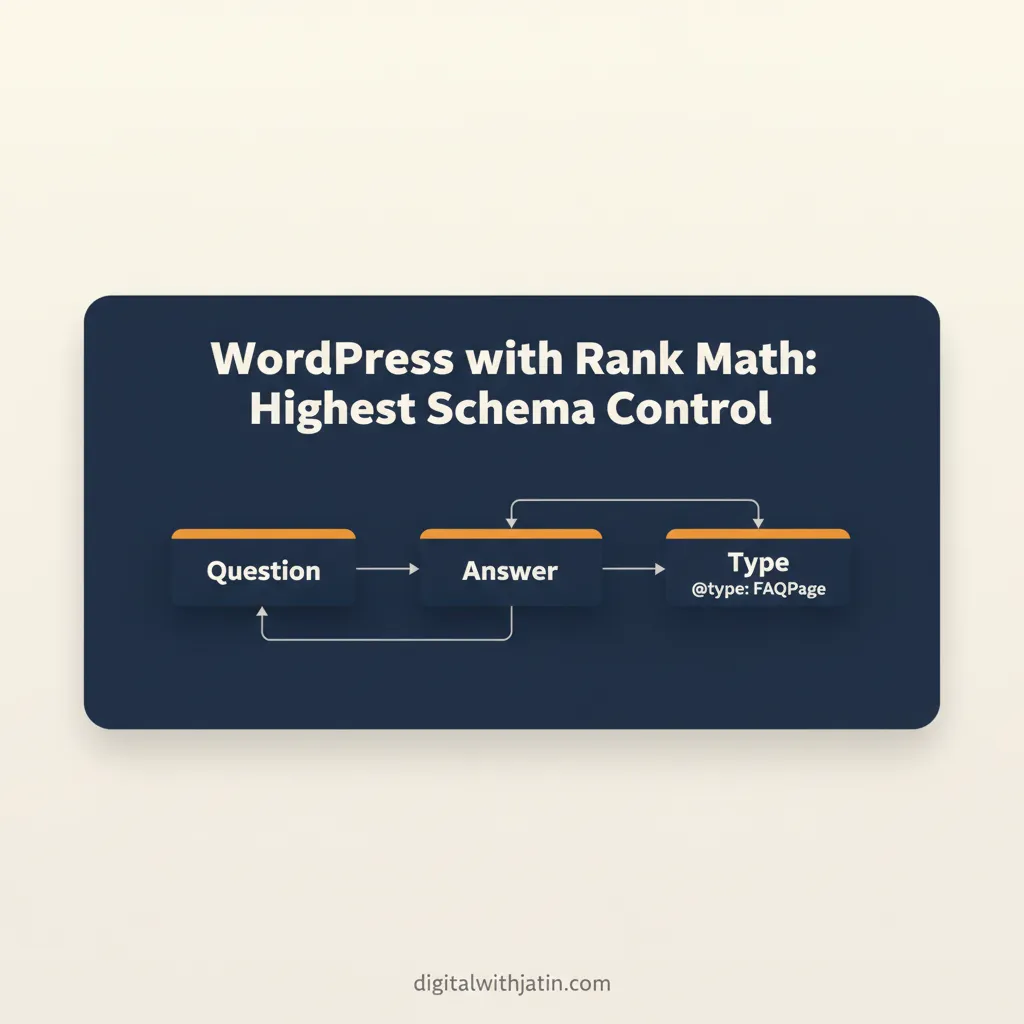
Rank Math (and Yoast) both offer deep schema support. FAQPage, Article, HowTo, Product, LocalBusiness: all of these can be applied at the page or post level without code. Schema is generated as clean JSON-LD and can be customised per post type through the plugin interface. Rank Math generates FAQPage schema automatically from FAQ blocks in the WordPress editor, which means schema can be applied consistently across every piece of content as a default behaviour, not as a manual embed step. This is significant for AI SEO.
Heading hierarchy is correct by default in WordPress’s block editor when content is written properly. The editor enforces logical heading levels and produces clean HTML. The risk is plugins or themes that add HTML overhead, which can degrade both Core Web Vitals and crawl efficiency. A lightweight theme (GeneratePress, Kadence) eliminates this.
Core Web Vitals depend heavily on the hosting stack. Managed WordPress hosting (Kinsta, WP Engine, Cloudways) with Cloudflare in front produces strong scores. Shared hosting without caching produces poor scores. This is the variable in the WordPress equation that builders like Webflow remove by handling hosting themselves.
Verdict: The highest SEO ceiling of any option in this post. Worth the setup cost for content-heavy sites, e-commerce blogs, and any brand where schema depth and plugin flexibility are business requirements. The trade-off is higher setup complexity and ongoing maintenance.
Framer: Fast Sites, Limited Schema Depth
Framer has grown quickly as a design-forward builder with genuinely fast output. Sites built on Framer typically score well on Core Web Vitals because the framework is lightweight by default.
The SEO ceiling is lower than Webflow. Schema control is limited. Custom JSON-LD can be added via code blocks, but the workflow is less integrated than either of the options above. Sitemap management is basic. The CMS is newer and less mature for large content operations.
Heading hierarchy is manageable in Framer but requires deliberate setup. Designers working visually in Framer can easily apply heading sizes without using semantic heading tags, which breaks the passage structure AI retrievers need. This is the same issue that caused the eight-month publishing failure I described at the start of this post.
Framer is still adding SEO features, so this assessment may improve, but as of 2026 it is behind Webflow on the technical SEO and schema dimensions.
Verdict: Good for speed, weaker for schema. Use Framer for personal portfolios and landing pages with minimal content operations. It is not the right choice if AI search citation is a priority.
Squarespace: Adequate for Simple Sites, Constrained for Growth
Squarespace handles basic SEO competently. You can edit page titles, meta descriptions, and URL slugs. The platform auto-generates sitemaps and handles redirect management through its interface. For a local service business or a simple portfolio, that covers most of what is needed.
The constraint appears as soon as you need to go deeper. Squarespace applies its own schema to page templates, and you cannot override it with custom JSON-LD through the normal interface. Code injection is available on higher plans, but it requires JavaScript and is not clean. FAQPage schema for blog posts is not supported natively.
This matters because Google AI Overviews and other AI search surfaces increasingly rely on structured data signals. A site that cannot produce clean FAQPage or Article schema is at a disadvantage for AI citation visibility. Without custom schema, Squarespace sites miss the FAQPage and Article markup signals that AI search surfaces use for citation.
Verdict: Fine for local businesses and simple brochure sites. Not recommended for brands that need AI search visibility or content-heavy operations.
Astro on Cloudflare Pages: The Technical Benchmark
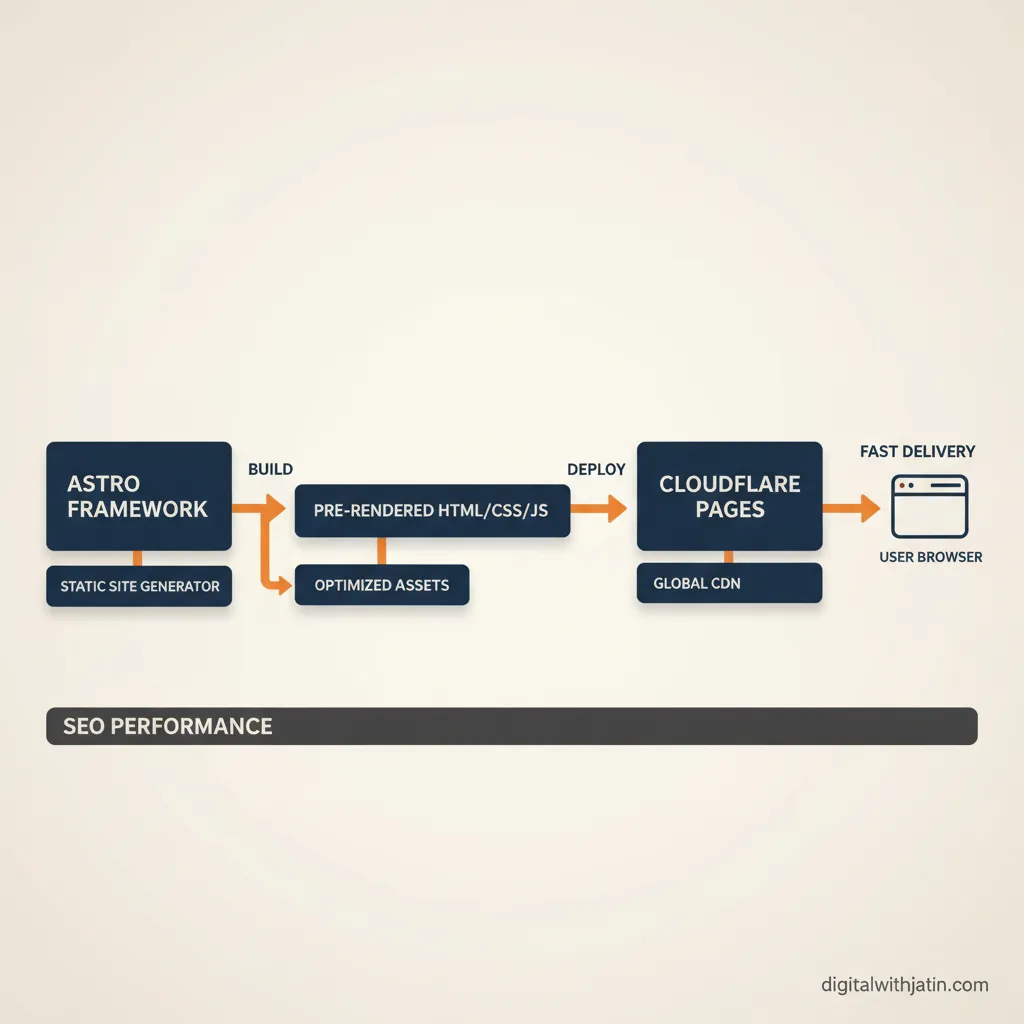
Astro is not a visual builder. It is a static site framework that outputs zero-JavaScript HTML by default, with JavaScript added only where explicitly required. For AI SEO, this is the ideal combination.
Schema is injected directly in the page head as JSON-LD. There is no plugin, embed component, or workaround required. FAQPage, Article, HowTo schema for every content type is built into the template, applies automatically to every post matching that template, and is always valid because it is part of the codebase rather than an afterthought.
Core Web Vitals are consistently optimal on Astro with Cloudflare Pages. LCP scores of under one second are achievable without significant optimisation effort because the HTML is pre-rendered and there is no JavaScript rendering overhead.
Heading hierarchy is clean because it is written in code. There is no visual builder layer that can accidentally produce styled divs instead of semantic heading tags.
This site (digitalwithjatin.com) is built on Astro and deployed to Cloudflare Pages. It is not an abstract recommendation.
The trade-off: Astro requires a developer to build the initial site and to handle template changes. Content can be managed through a headless CMS (Contentful, Sanity, Decap CMS) without developer involvement for daily publishing, but the infrastructure setup is a one-time investment that non-developers cannot handle alone.
Verdict: The highest-performing option for AI SEO when developer access is available. Full schema control, optimal Core Web Vitals, and zero builder overhead make it the benchmark the other options are measured against.
The Honest Answer: No Builder Beats a Custom-Built Site
All four builders involve trade-offs that a custom-coded site does not. A site built on Astro or Next.js and deployed to Cloudflare Pages gives a developer full control over HTML structure, schema injection, Core Web Vitals, and caching. There is no builder layer adding overhead or restricting what markup you can produce.
The reason most businesses use builders is speed to market and lower upfront cost. That is a legitimate trade-off. But it is worth understanding what you are giving up. If your SEO goals include AI search visibility, consistent schema across dozens of content types, and Core Web Vitals scores above 90, the builder ceiling will eventually become a constraint.
Ranked by AI SEO Criteria
If schema control is the primary concern, the ranking is: Astro (full control) > WordPress with Rank Math (excellent, UI-managed) > Webflow (manual embed, effective) > Framer (limited) > Squarespace (not recommended).
If Core Web Vitals are the primary concern, the ranking is: Astro on Cloudflare Pages (optimal) > Webflow (consistently strong) > Framer (strong) > WordPress (variable, hosting-dependent) > Squarespace (variable).
If you need a visual builder with no developer involvement: Webflow for content-driven sites and SaaS. Framer for simple portfolios and product landing pages.
If you have developer access and AI SEO is a strategic priority: Astro on Cloudflare Pages is the right call, and the performance difference over time justifies the initial build investment.
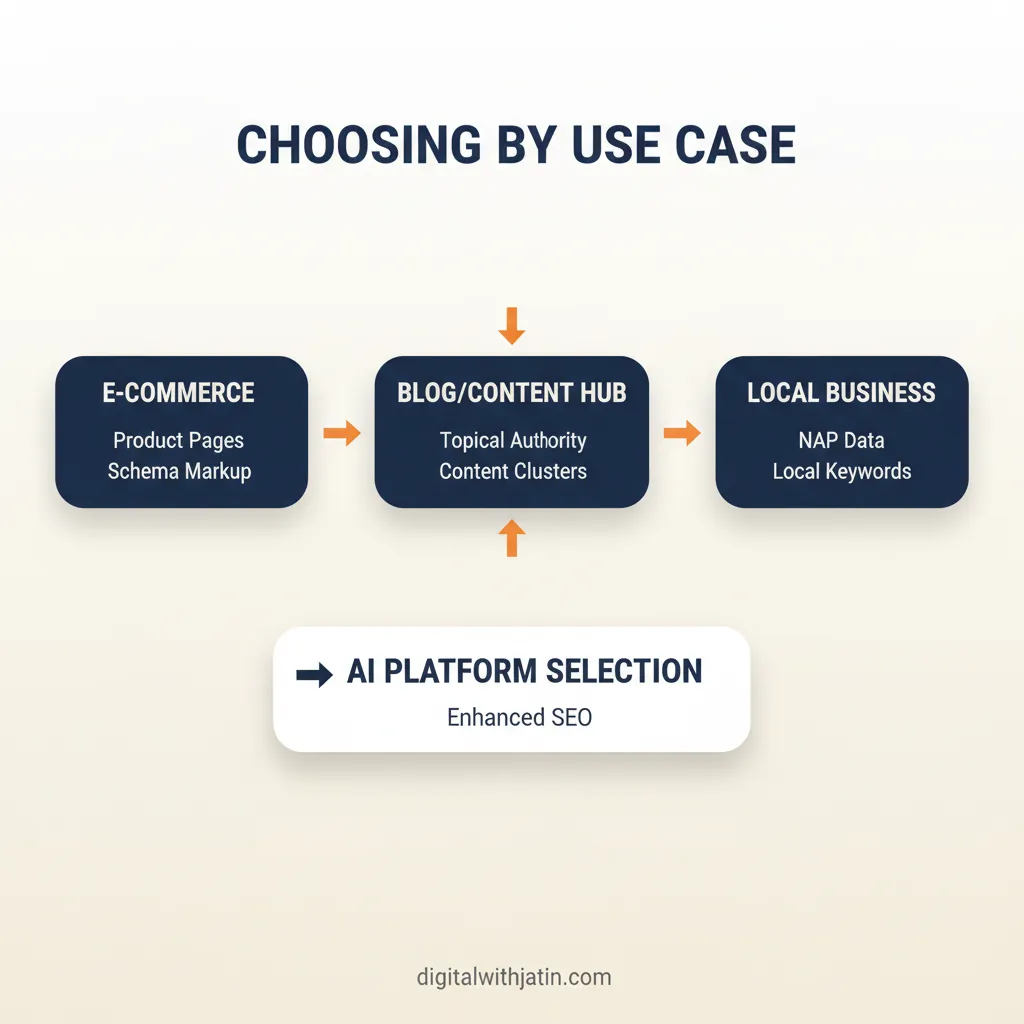
Choosing by Use Case
Rather than “best overall,” the more useful question is which builder fits your specific situation.
Portfolio or personal brand: Framer or Webflow. Fast to publish, looks professional, Core Web Vitals are strong. Schema depth is limited but usually not needed for this use case.
Local business or service site: Squarespace or Webflow. Both handle the basics well. Webflow if you anticipate content growth. Squarespace if the team is non-technical and the site is mostly static.
SaaS or B2B content site: Webflow. Clean CMS, good on-page control, manageable schema via embeds. Can handle a blog content operation without breaking down.
E-commerce with content SEO: WordPress with WooCommerce, or a headless Shopify setup. The schema and crawl control requirements for large product catalogues plus a blog exceed what visual builders handle cleanly.
High-volume content or AI citation priority: Custom build on Astro, Next.js, or similar. The builder constraint will limit you before the content strategy does.
Both clients I described at the start of this post resolved their problems by fixing the structural layer the builder had constrained. The first moved from Squarespace to WordPress and within three months had FAQPage and Article schema appearing on every post by default. The second rebuilt its Webflow templates with proper H2 and H3 semantic heading tags, added FAQPage JSON-LD via embed blocks on every content post, and ran a full image optimisation pass to improve LCP. Three months later, several posts were being cited in Google AI Overviews. The content had not changed. The structure the AI retriever could read had changed.
Builder choice is a structural decision made once, with SEO consequences that compound over years. For a deeper look at how AI search surfaces evaluate structured data and passage content, the post on how to get into Google AI Overviews for SEO covers the specific signals that matter beyond just technical setup.
If you want a system that gets content structured, schema-ready, and citation-ready from the start, the AI SEO services page covers how that workflow is built.